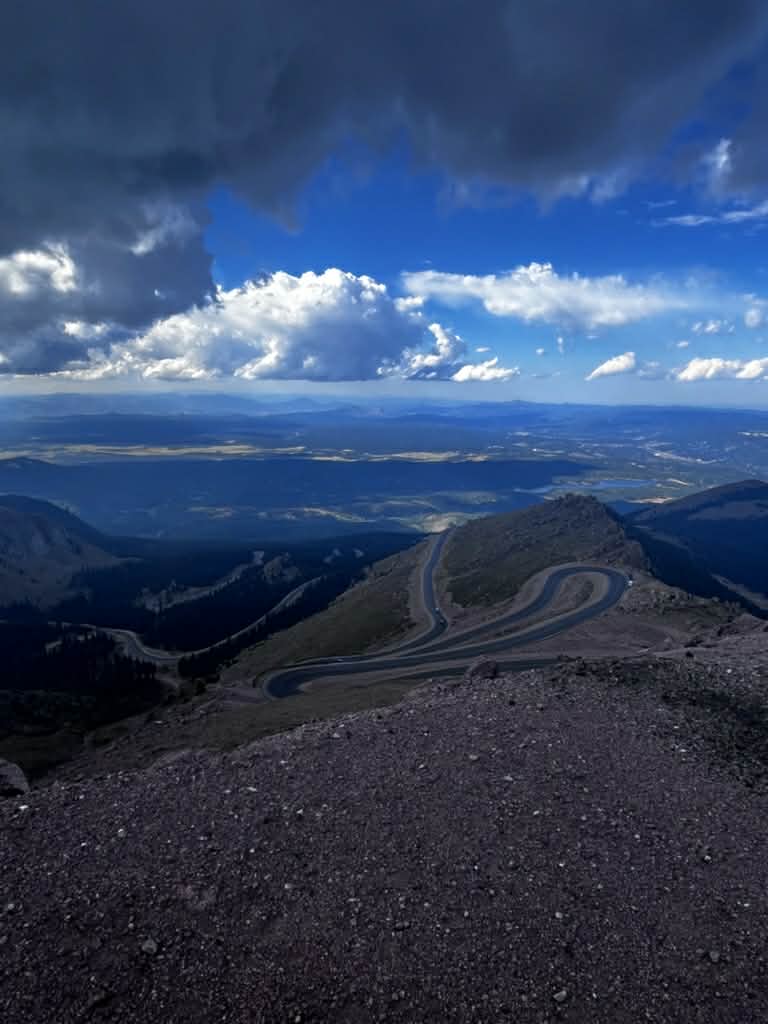
Creating your itinerary can feel like a long windy uphill road and isn’t for everyone. I have happily laid out how I create my itineraries and would be more than happy to help you if you don’t get joy out of doing it yourself.
- Get an idea of all the places you want to go.
- I usually find about 10 hikes I want to do
- Set a length for your trip
- We typically do 16 days total on all of our big trips
- Get on mymaps by Google
- Go to https://www.google.com/maps/about/mymaps/
- Create a new map
- Under the search bar, click the “Add Directions” button
- Add 10 of the locations you want to go to
- If more than 10 locations, add a second layer and set your first destination as your last destination on the previous layer.
- Move the destinations around until you have a plan that makes a loop.
- Then go to Google Maps and plug in one destination at a time and get the amount of time it will take to get to each place.
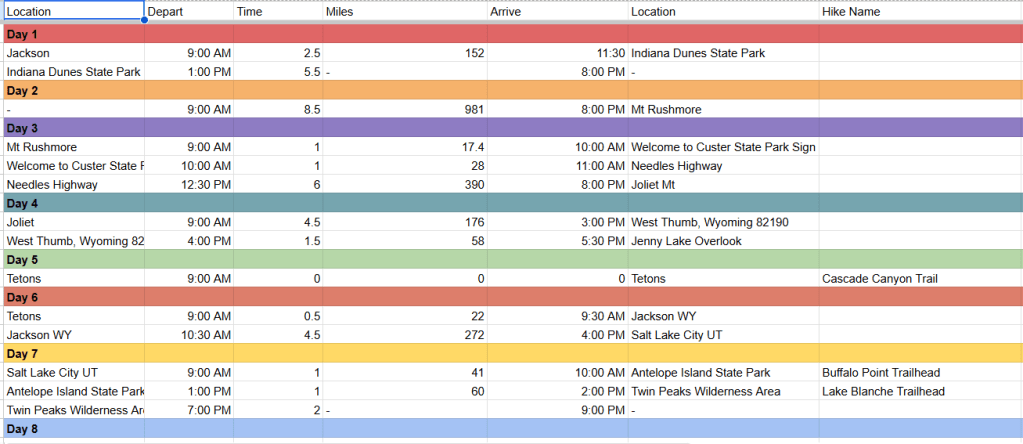
- Then plug each of these into a spreadsheet and set a limit on daily driving. (Example below)
- Once you have all of these plugged in, add your hike times to your spreadsheet.
- Then separate all of the driving and activites by days and see if you are able to get it all in to the trip.
- If not, start eliminating what you are the least excited about or things that are really out of the way.
Spreadsheet Example below:


Leave a Reply